Guide
How to Communicate Youth Sports Practice Cancellations Without the Chaos
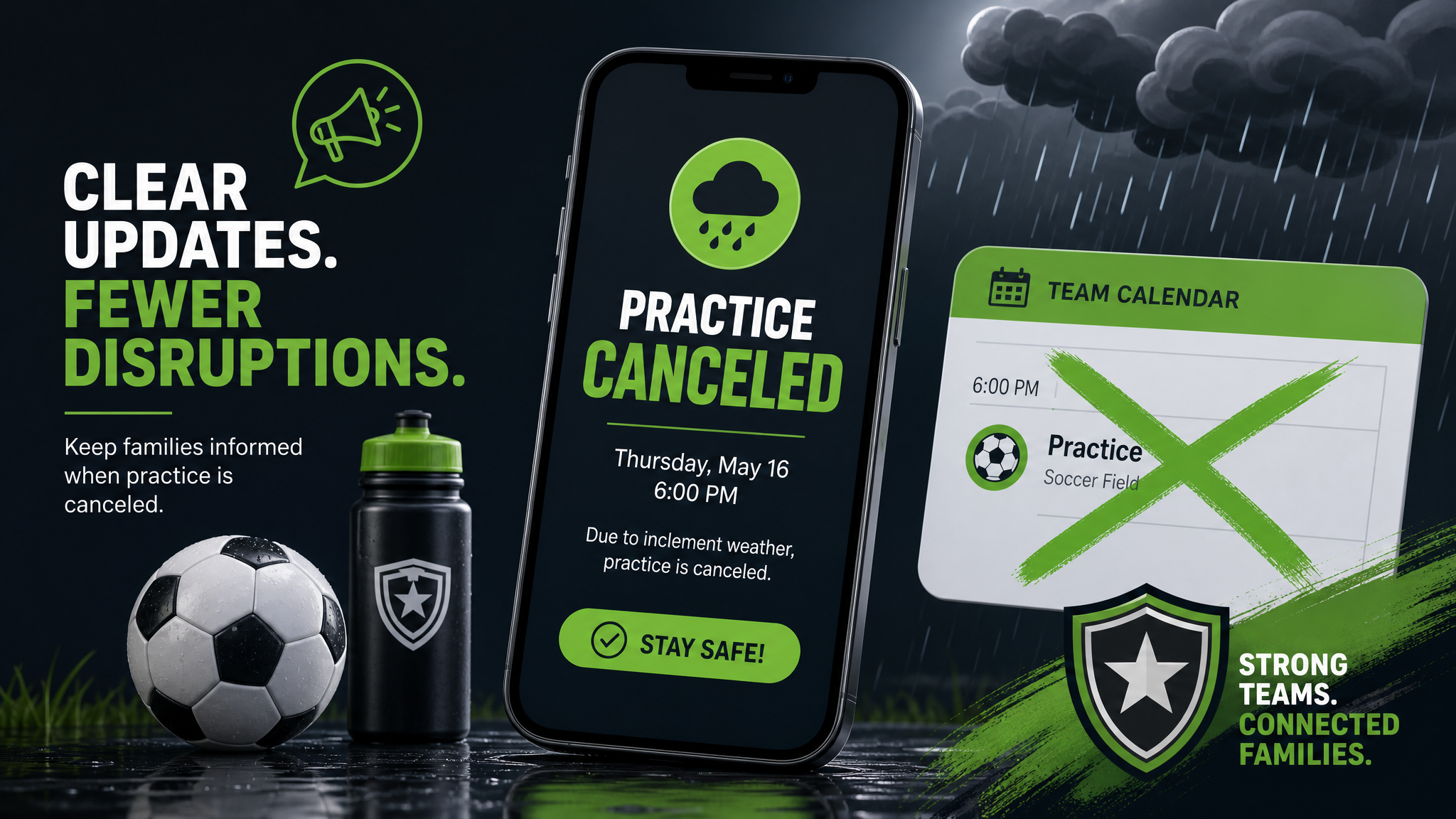
When practice gets canceled, the problem is rarely the cancellation itself.
The real problem is how the update gets shared.
One parent sees the text. Another checks email. A third never sees it until they are already on the way to the field. Then the questions start: Is practice still on? Which field? What time? Why did nobody say anything sooner?
If you coach youth sports long enough, this pattern becomes familiar fast. The fix is not sending more messages. It is sending the right message, in the right place, with a simple system families can trust.
That is where a better team communication workflow helps. Instead of scattering updates across text threads, email chains, and group chats, keep cancellations tied to one clear source of truth. That is the job Squadline is built to do.
If you want to see how that works in practice, start with the team communication tools and scheduling features.
Why practice cancellations cause so much confusion
Practice cancellations sound simple. They are not.
A canceled practice affects more than one calendar slot. It changes carpools, dinner plans, sibling pickups, sitter schedules, and after-school routines. If the message is vague or delayed, families fill in the blanks themselves.
Common failure points:
- •The coach sends the update in one group chat, but not in the schedule app
- •Parents assume the message is for another team
- •The update says “no practice” but does not say whether a make-up session is happening
- •Weather changes happen close to practice time, and no one knows where to check first
- •One assistant coach assumes the head coach already told everyone
The result is not just inconvenience. It is frustration. And over time, frustration makes parents less likely to trust the team’s communication.
The best way to send a practice cancellation
A good cancellation message does four things:
- •Says the practice is canceled immediately
- •Gives the reason, if it helps context
- •Tells families whether there is a replacement plan
- •Points them to the one place where updates will live
Keep it short. Clear beats clever.
Example message
Practice canceled for tonight because of field conditions.
No make-up time is scheduled yet. I’ll post the new plan in Squadline as soon as it’s confirmed.
That message works because it answers the only questions most families care about right away.
Use one system instead of multiple channels
The fastest way to create confusion is to treat every platform like a separate announcement board.
If you post one message in a group text, another in email, and a third in a social app, families are forced to compare versions. That creates mistakes.
A better approach:
- •Use one system for schedule updates
- •Use one system for team-wide alerts
- •Use one system for chat and day-to-day communication
Squadline combines those pieces so coaches are not re-explaining the same update in three places. When the schedule changes, families can check the same place every time.
If you are comparing tools, the best youth sports app features to look for always include scheduling, alerts, and a clear communication hub.
Build a cancellation workflow before the season starts
The best time to solve practice chaos is before the first bad weather day.
Set a simple workflow before the season starts:
1. Decide who can cancel practice
If only the head coach can make the call, that should be clear. If assistant coaches can trigger an update, define the rules.
2. Decide where the update gets posted first
This matters more than most coaches realize.
Pick one primary place for updates. Not “usually here.” Not “depending on the day.” One place.
3. Decide what the message should include
Use a repeatable structure:
- •What changed
- •Why it changed
- •What happens next
- •Where to look for updates
4. Decide how families will be notified
Families should not have to hunt for the update. Push it out in a way that is hard to miss, then keep the details in one place.
5. Decide when follow-up happens
If you promise a make-up time, set a deadline for when that update will go out.
A little structure saves a lot of chasing later.
What parents actually want in a cancellation update
Parents do not need a long explanation. They need certainty.
A strong update usually answers these questions:
- •Is practice canceled or delayed?
- •Is there a make-up plan?
- •Should we still show up somewhere else?
- •Will this be updated again later?
- •Where should I check if anything changes?
If your message answers those clearly, it reduces the follow-up flood almost instantly.
Why group text is not enough
Group text works fine for quick banter.
It does not work well when a team needs structure.
Here is why:
- •Old messages get buried fast
- •New parents may not be in the thread yet
- •Replies create noise around important updates
- •Search and organization are weak
- •It is hard to tell who saw what
That is why so many coaches move to a dedicated youth sports team app. A good app gives families a place to check the schedule, see alerts, and stay updated without scrolling through chaos.
Make cancellations easier with a single source of truth
A single source of truth is just a fancy way of saying this: everyone should know where to look first.
For a youth sports team, that means:
- •Schedule changes live in the schedule
- •Alerts live in alerts
- •Chat stays for conversation
- •Team info stays in one place
When those jobs are separated clearly, communication gets easier for everyone.
That is also why Squadline works well for coaches who are tired of managing cancellations across disconnected tools. It gives teams a central place to organize communication without making parents learn five different systems.
Learn more about scheduling, alerts, and team management.
A simple template for practice cancellations
Here is a template you can use tonight:
Practice canceled.
Field conditions made tonight’s session unsafe, so we are shutting it down.
I will send any make-up info in Squadline as soon as it is confirmed.
That is enough.
If you need to add more, keep it focused:
- •Time of the next update
- •Make-up plan
- •Any action parents need to take
Do not overexplain. People want the facts.
How to reduce cancellation stress all season
Once your workflow is set, these habits will keep things smooth:
- •Send updates as soon as the decision is made
- •Use the same format every time
- •Keep the language simple
- •Put the next step in every message
- •Store schedule changes in one place
- •Avoid relying on memory or side conversations
The goal is not to sound polished. The goal is to be impossible to misunderstand.
Final thought
Practice cancellations will happen. Weather changes. Field conditions change. Leagues change times. That part is normal.
What should not be normal is the confusion that follows.
If you want fewer parent questions, fewer missed updates, and less time spent repeating yourself, build a communication system that keeps schedule changes in one place.
That is exactly what Squadline is for.
Ready to make team communication easier? Start free with Squadline and keep practice updates, schedules, and alerts in one place.
Download Squadline and set up your team today.
Ready to simplify your season?
Download Squadline free and get your team organized in under 5 minutes.