Guide
How to Organize a Youth Soccer Team: A Complete Guide for New Coaches
If you’re a new coach, organizing a youth soccer team can feel like a lot all at once. You’re trying to remember player names, parent contacts, practice times, field locations, roster needs, team rules, and about a dozen other details that seem minor until they aren’t.
The good news: you do not need a complicated system to get organized. You need a simple process, a few clear rules, and one place where everyone can find the same information.
This guide walks through how to organize a youth soccer team from day one, what to set up first, and how to keep the team running smoothly without spending your life in group chats.
Start with the three basics: people, schedule, communication
Before you think about drills, uniforms, or game strategy, get the team foundation in place.
1. People
Start by collecting the core information for every player:
- •Full name
- •Parent or guardian contact info
- •Phone numbers
- •Email addresses
- •Emergency contact
- •Any relevant medical notes
- •Jersey size
- •Availability notes
You do not need a giant spreadsheet with 40 columns. You need the essentials in one place where you can find them fast.
2. Schedule
The schedule is the backbone of youth soccer team setup. Parents want to know when practice starts, where games are, and what changes have happened since last week.
Set up:
- •Practice days and times
- •Game dates
- •Field locations
- •Arrival times
- •RSVP or availability tracking if you use it
If you are sending schedule updates in text messages, email threads, and random screenshots, people will miss things. One schedule view is better.
3. Communication
Every team needs a simple way to share updates. That includes weather changes, field swaps, reminders, and last-minute notes.
The mistake many new coaches make is using whatever is easiest in the moment. A group text works once or twice, then it becomes chaos.
A better move is to set up one communication hub from the beginning.
That is where Squadline helps. It gives coaches one place to manage team chat, schedules, rosters, and updates so you are not repeating yourself across multiple apps. You can learn more about the team communication feature and scheduling tools.
Build the team structure early
A youth soccer team works better when everyone knows how it runs.
Set expectations for parents
You do not need a long speech. Just be clear about:
- •Practice attendance expectations
- •Game arrival time
- •How updates will be shared
- •What to do if a player is absent
- •How to contact you with questions
Parents are usually happy to cooperate. They just want to know what is expected.
Set expectations for players
Players do better when the team is simple and predictable.
Keep it basic:
- •Listen when the coach is speaking
- •Be on time
- •Bring the right gear
- •Treat teammates well
- •Work hard and have fun
You can adjust these rules to fit the age group, but the point is the same: establish the culture early.
Set your communication rhythm
Decide how often you will communicate and what kind of updates go where.
For example:
- •Weekly schedule posted every Sunday
- •Quick reminders sent the night before practice
- •Urgent updates sent immediately
- •Non-urgent questions handled in the team hub
When communication is predictable, everyone relaxes.
Create a simple team setup checklist
If you want to know how to organize a youth soccer team without missing important steps, use a checklist.
Here is a practical one:
Team setup checklist
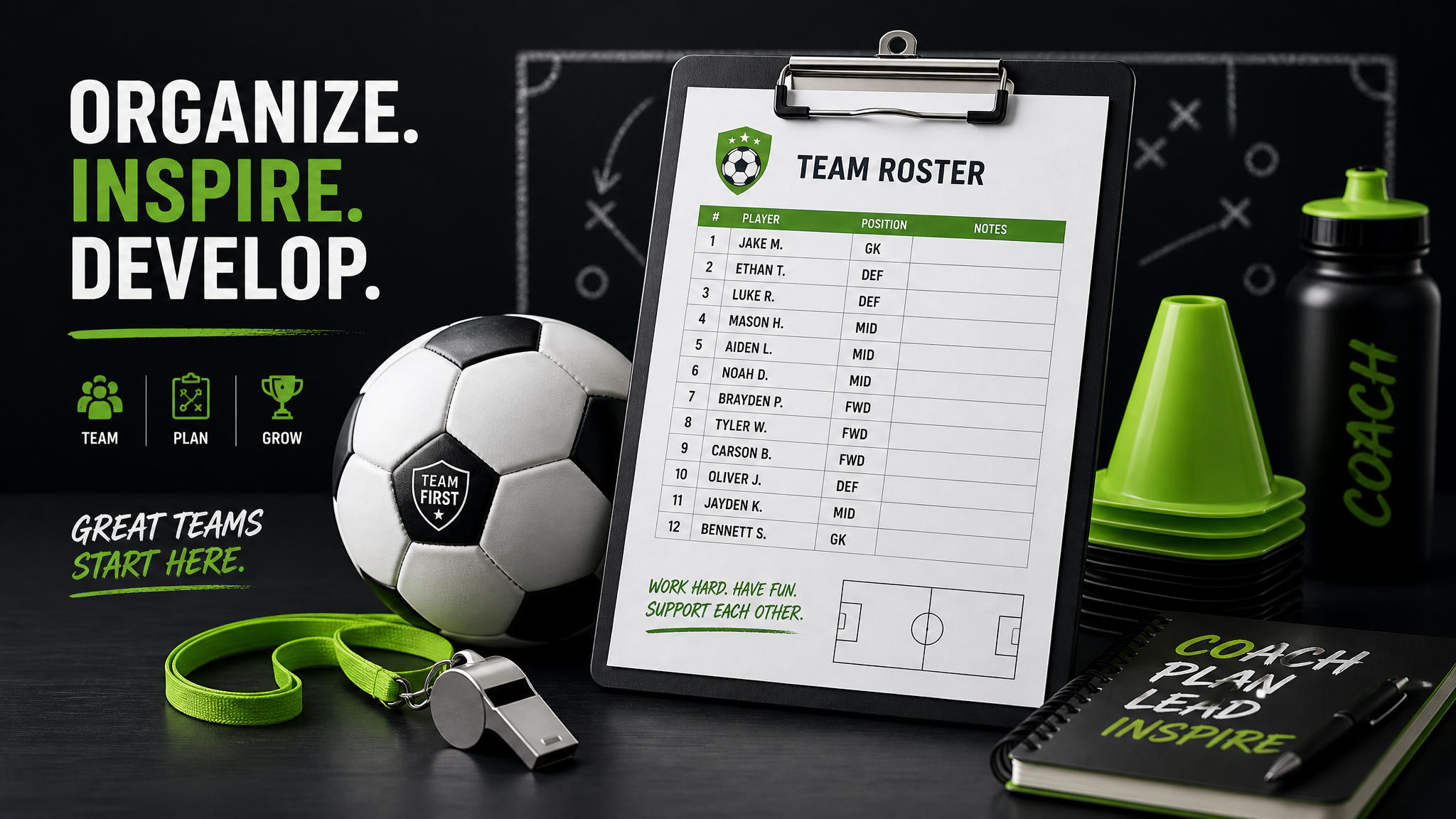
- •Collect player and parent contact info
- •Confirm roster size
- •Share team rules
- •Publish practice schedule
- •Share field locations
- •Set up team communication
- •Add emergency contacts
- •Note jersey sizes and gear needs
- •Confirm how you will handle absences
- •Share your season calendar
That is enough to get started. You do not need to overbuild.
Keep the roster and contacts in one place
One of the biggest headaches for new coaches is hunting for the right phone number or trying to remember which parent said they would be late.
That is why a central roster matters.
You should be able to look up:
- •Who is on the team
- •Which adults are attached to each player
- •How to contact each family
- •What each player needs
Squadline’s roster and profile tools help with exactly that. It keeps player and family information organized so you are not digging through emails or old messages.
Make scheduling easy to follow
Schedules should be simple enough that a parent can check them in a few seconds.
Good schedule habits:
- •Use the same location format every time
- •Include start time and arrival time
- •Clearly label changes
- •Post updates in one place
- •Avoid sending the same information in different formats
If your schedule lives in one app, parents stop asking, “Wait, where was that posted?”
That is a small thing that makes a big difference.
Do not let group texts become the system
Group texts feel convenient at first. Then they turn into a stream of notifications, missed replies, and side conversations that bury the real information.
Use group texts only if you have to. For real team organization, they are not enough.
A better setup is:
- •Team chat for ongoing communication
- •Schedule view for practices and games
- •Roster for contacts
- •Alerts for urgent updates
That way, each type of information has a home.
Use reminders before every practice and game
The best organized teams do not rely on memory.
They remind people.
A simple reminder system can include:
- •Practice reminders the night before
- •Game day reminders in the morning
- •Field change alerts as soon as they happen
- •Weather updates when needed
This reduces confusion and cuts down on last-minute questions.
Make it easy for parents to stay aligned
Parents are busy. If they have multiple kids in multiple activities, they are trying to keep track of a lot.
Your job is to make it easy for them to stay in sync with the team.
That means:
- •One app or one hub
- •Clear updates
- •Visible schedules
- •No duplicate messaging
- •No scavenger hunts for basic information
If you want the team to run smoothly, think from the parent’s point of view.
What new coaches usually get wrong
Here are the most common mistakes in youth soccer team setup:
1. Trying to do too much at once
Start small. Get the basics working first.
2. Spreading information across too many channels
If you text, email, and post in three different places, people will miss something.
3. Not setting expectations early
A simple rule sheet saves a lot of frustration later.
4. Keeping contacts scattered
Your roster should live in one place.
5. Making the team hard to follow
If parents cannot quickly understand what is happening, the system is broken.
How Squadline helps new coaches stay organized
Squadline is built for exactly this kind of day-to-day team management.
For new coaches, that means:
- •One place for team communication
- •One place for schedules
- •One place for rosters and contacts
- •Less time repeating the same update
- •Less confusion for parents
If you are looking for a simpler way to manage your team, Squadline is worth a look.
Explore the full product here:
Final thoughts
Organizing a youth soccer team does not have to be complicated. If you set up your people, schedule, and communication system early, you will save yourself a lot of stress later.
The goal is not to build a perfect operation. The goal is to make the team easy to run.
If you want help keeping everything in one place, Squadline can simplify the whole setup.
Add a simple first-week routine
The first week matters because it sets the tone for the whole season.
Try this rhythm:
- •Before practice: share the location, time, and what players should bring
- •After practice: confirm the next session and any changes
- •At the end of the week: send a short recap and next steps
That makes the team feel organized without feeling overmanaged.
Decide what belongs in a team update
Not every thought needs to become a message.
A useful team update should usually be one of these:
- •Schedule change
- •Location change
- •Attendance request
- •Weather note
- •Team reminder
- •Urgent alert
If it does not help someone act, it probably does not need to be sent.
Keep your season information visible
A lot of coaches make the season harder than it needs to be because important details are hidden.
Keep the basics visible:
- •Season calendar
- •Practice times
- •Game days
- •Contact list
- •Team rules
- •Uniform expectations
When people can see the whole picture, you answer fewer questions.
A better way to think about organization
Organizing a youth soccer team is not about being perfectly prepared. It is about reducing confusion.
If you can make it easy for a parent to know where to be, when to arrive, and how to hear about changes, you are already ahead.
That is the real win.
Ready to simplify your season?
Download Squadline free and get your team organized in under 5 minutes.